Loading Donald Lena…
Custom invoice and job cost software
The invoice starts with the job.
A bill is easier to send, explain and collect when the scope, costs, deposits and customer history are already in one place. I build that connection around the way your team works.
Show me the gapONE JOBFOUR CONNECTED VIEWS
- 01The promiseCustomer, scope, estimate and approved changes
- 02The workDates, measurements, materials and field notes
- 03The costSupplier expenses and receipt images
- 04The balanceDeposits, PDF invoice, payment link and balance
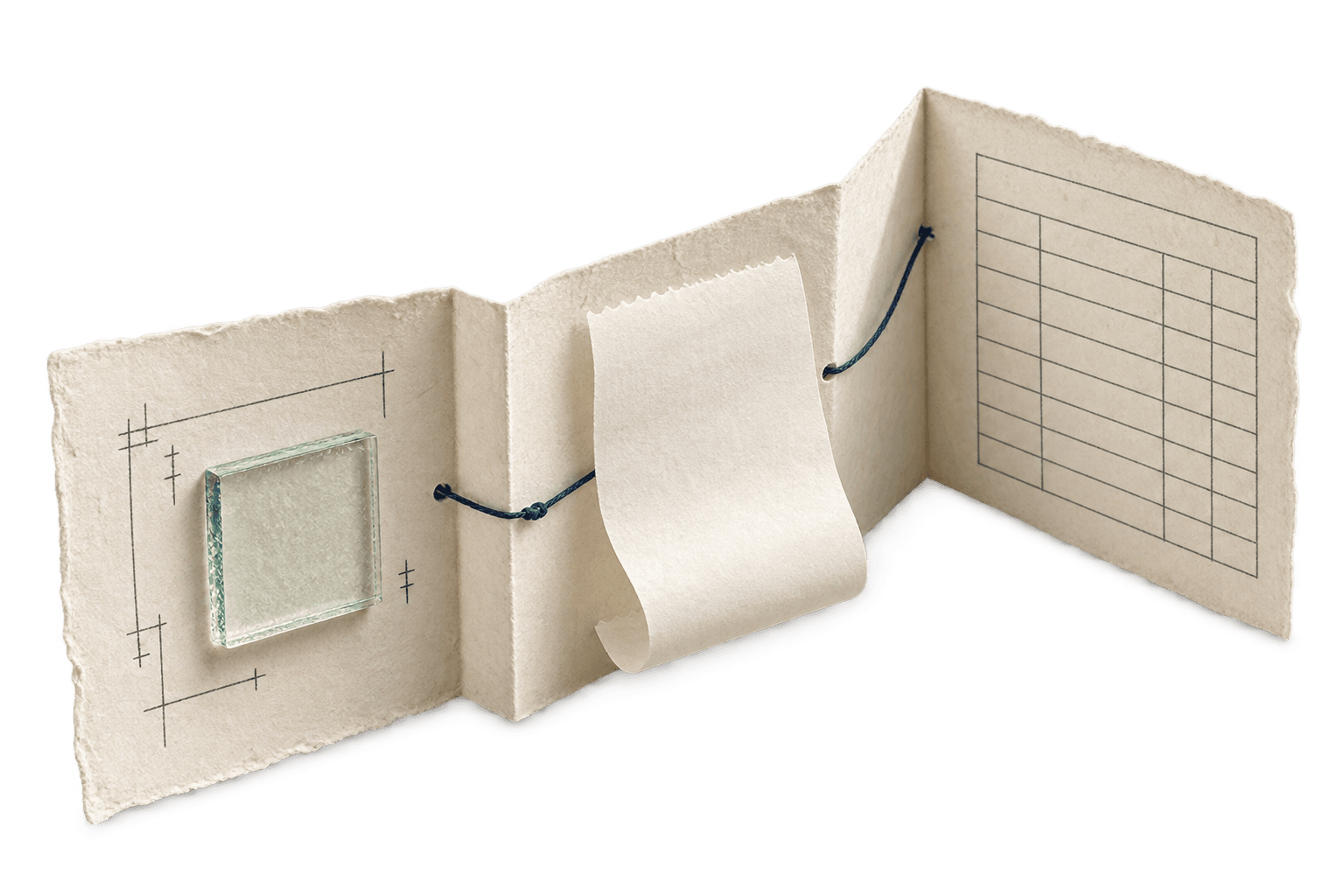
Workflow illustration. Each implementation is scoped to the business.
The working distinction
Quoted is not collected. Spent is not billed.
An owner needs to see each number for what it is. A job record can show the estimate, deposits, recorded direct expenses, invoices and outstanding balance without making someone reconcile five disconnected places just to understand the work.
Try the job to invoice exampleFictional worked example
What makes a job ready to invoice?
This storefront hardware job and its amounts are illustrative. The example assumes one final invoice and excludes tax, retainage and overhead.
Confirm what the customer approved
The signed estimate shows $2,400 for the base scope. Approved change CO-01 adds $350, bringing the approved scope to $2,750. A separate $180 change is awaiting approval and stays off the draft. The project lead keeps the approval with the job record.
Record the direct costs
The office records a $460 supplier bill, $720 of direct labor and $70 of delivery against the job. Those three entries total $1,250 in recorded direct costs. Each entry links to a bill, time record or delivery receipt.
Review the draft balance
Under the example terms, a $600 deposit already received applies to the $2,750 approved scope. That leaves $2,150 on the draft. Before issuing it, the office verifies completion, the approval, deposit allocation and any prior billing. Keep the pending change on the job record for follow-up.
Your bookkeeper or accountant owns posting, reconciliation and tax treatment in the accounting system.
Built in the field
MetroGlass Pro OS followed the glass job through collection.
The system Donald built kept client and job details, glass specifications, install dates, expense entries with receipt images, deposits and payments together. It generated PDF invoices and Stripe payment links, with reminders and reports for the owner. Its database project was deleted, so the internal app is unusable now.
That is the implemented example. A new project can connect supported software already in use or become a dedicated workspace. The right first release comes from reviewing an actual job and its handoffs.
See the MetroGlass workflowWhat can come next
Build only the missing link first.
Invoices from the job
Bring approved scope, line items, deposit status and customer details into a reviewable PDF instead of retyping them at billing time.
A traceable cost view
Attach supplier receipts and direct expenses to the right job. Show what has been recorded and what still needs review before anyone relies on a margin figure.
Careful additions
Labor costing, receipt field recognition and deeper accounting exports can be scoped later. Extracted amounts need human confirmation. Bookkeeping and tax treatment remain with your accountant.
Start with one invoice
Where does the job record break before you bill?
Tell me how you estimate, record costs and make invoices today. I’ll look for the smallest useful connection, whether that is an integration or a dedicated tool.
No customer files or financial records needed for the first review.